GPT Image 2: The First OpenAI Image Model That Thinks
GPT Image 2 is the image generation and editing model OpenAI shipped on April 21, 2026. It was the first image model from the company with reasoning built into the generation pipeline, and it reset what people expected from text inside a picture. This page explains what the model does, how it is priced, and where it still fits today.
GPT Image 2 Text-to-Image Generator
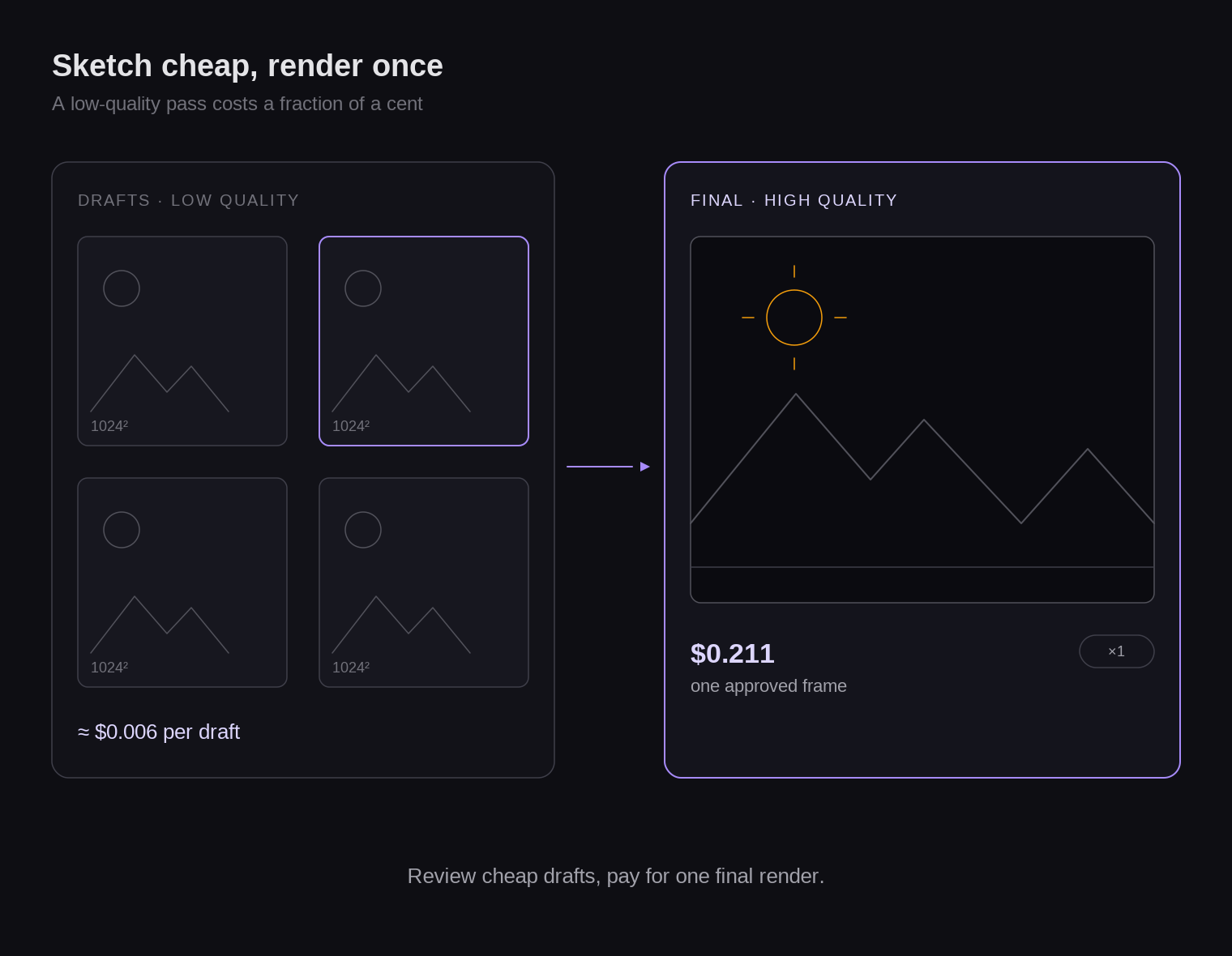
Write a prompt, keep GPT Image 2 selected, and generate an image without leaving this page. A low-quality draft costs a fraction of a cent, so you can iterate before paying for a final render.
No Images Generated
Example prompts
Click an example to load its prompt, then make it yours.
via fal.ai
What Is GPT Image 2?
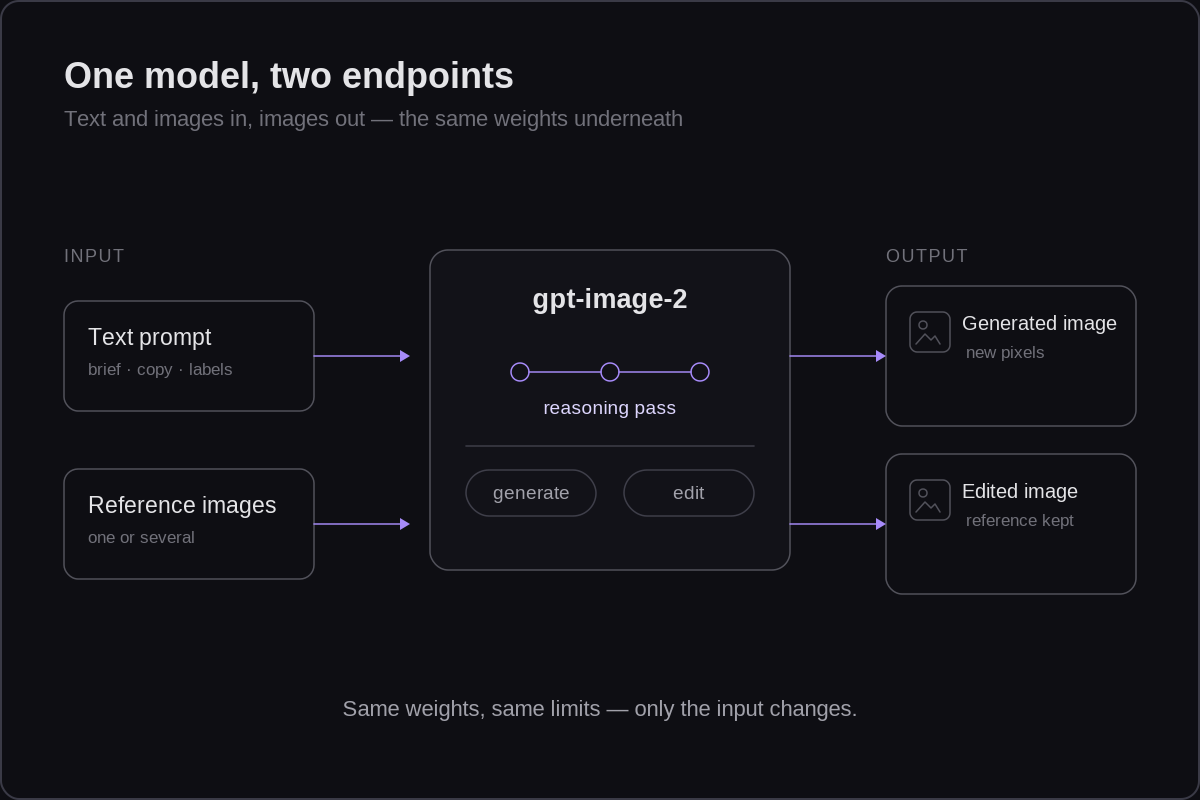
GPT Image 2, written gpt-image-2 in the API, is a text-to-image and image editing model. It accepts text and images as input and returns images through two endpoints: image generation and image edit. OpenAI positioned GPT Image 2 as production infrastructure rather than a demo, which is why the release notes talk about accuracy, readable copy, brand consistency, localization, and output that ships without heavy cleanup.
A Model That Thinks Before It Draws
OpenAI describes GPT Image 2 as its first image model with reasoning inside the pipeline. In practice that means the model can spend compute interpreting a brief before it commits to pixels, search the web when a prompt depends on current information, produce several images from one request, and inspect its own output before returning it.
Text That Survives a Second Look
Text rendering was the longest-running weakness of image generation, and GPT Image 2 closed most of the remaining gap. Multi-line headlines, signage with mixed font weights, small labels, and CJK characters hold together on the first or second attempt. That single change is why the model became the default choice for menus, posters, and packaging mockups.
Sizes From 1024 Pixels to 4K
GPT Image 2 accepts a wide range of dimensions, including 1024x1024, 1536x1024, 2048x2048, 2048x1152, 3840x2160, and 2160x3840. Every edge must be a multiple of 16 and the long-to-short ratio cannot exceed 3:1, so the model covers banners, phone screens, and print layouts with one size matrix.
Key Features of GPT Image 2
These are the capabilities that defined GPT Image 2 at launch, and they still explain why teams keep it in production pipelines.
Reasoning Before Pixels
GPT Image 2 runs a thinking pass before rendering. For briefs with many elements, that pass is the difference between a model that drops half the instructions and one that holds the whole request together.
Text Rendering in Many Scripts
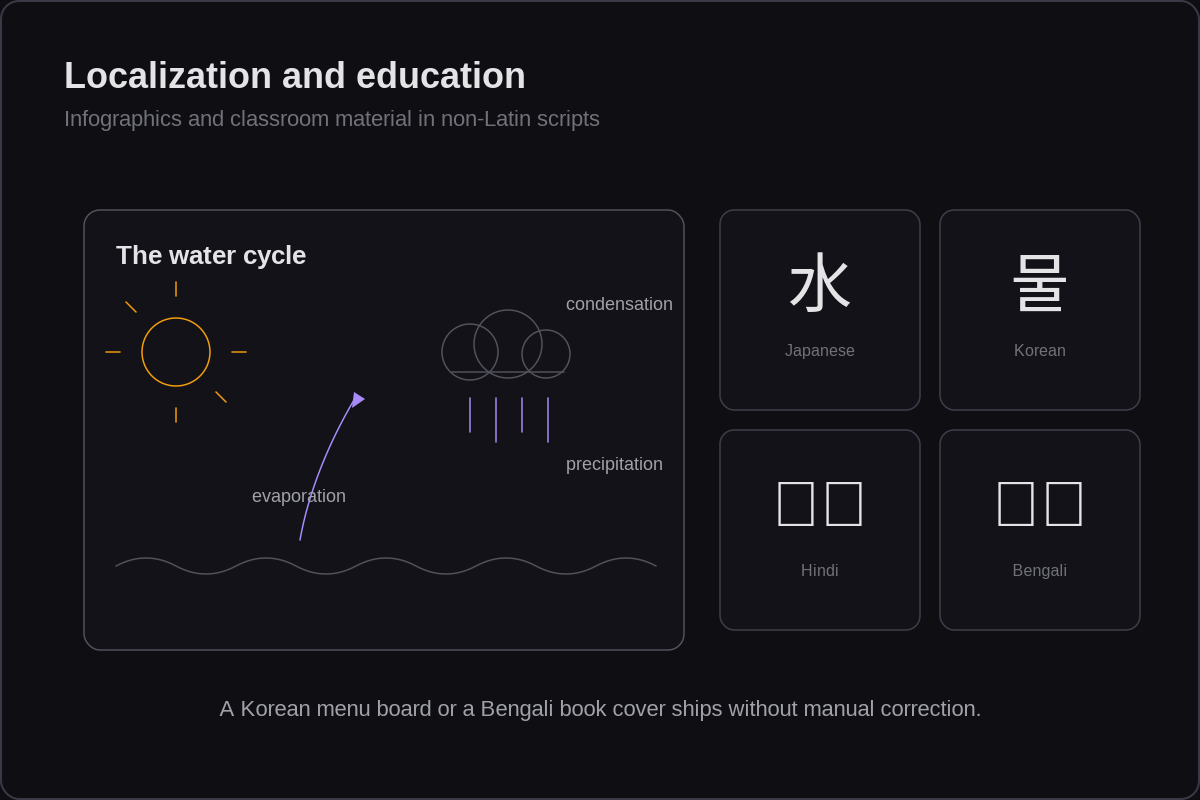
The model handles small text, iconography, interface elements, and dense compositions far more reliably than its predecessors. OpenAI also reports stronger rendering for Japanese, Korean, Hindi, and Bengali, a practical gain for localized campaigns.
Custom Dimensions and 4K Output
The size parameter accepts any resolution inside the published limits. A 3840x2160 landscape or a 2160x3840 portrait is valid, so GPT Image 2 can deliver an asset at the exact dimensions of the surface it will appear on.
Three Quality Tiers
GPT Image 2 exposes low, medium, and high quality. Low is cheap enough to iterate with, high is priced for final assets, and the gap between them at 1024x1024 is more than thirty times, so the tier you pick drives most of your bill.
High-Fidelity Image Inputs
Reference images passed to the model are processed at high fidelity automatically. The input_fidelity parameter cannot be changed, because GPT Image 2 always preserves detail from input images; that extra detail also raises image input token counts on edits.
Editing and Inpainting
The edit endpoint accepts prompt-only changes and mask-based inpainting. White regions of a mask are rewritten, black regions stay pixel-perfect, and the model can combine several reference images into one coherent result.
Batch Support
Of the many API surfaces OpenAI offers, GPT Image 2 supports image generation, image edit, and batch. It does not support chat completions or the responses endpoint, so a production integration calls the images API directly.
Snapshots and a Defined Lifecycle
Every release ships as a dated snapshot, and the default one is gpt-image-2-2026-04-21. OpenAI now marks that snapshot deprecated, which means anyone still running the model should plan a migration rather than assume the alias stays available.
Why Teams Chose GPT Image 2
GPT Image 2 was built for production work, and the reasons teams adopted it are concrete rather than promotional.
Where GPT Image 2 Works Best
Four workflows where GPT Image 2 proved its value during its production life.
Marketing Creative
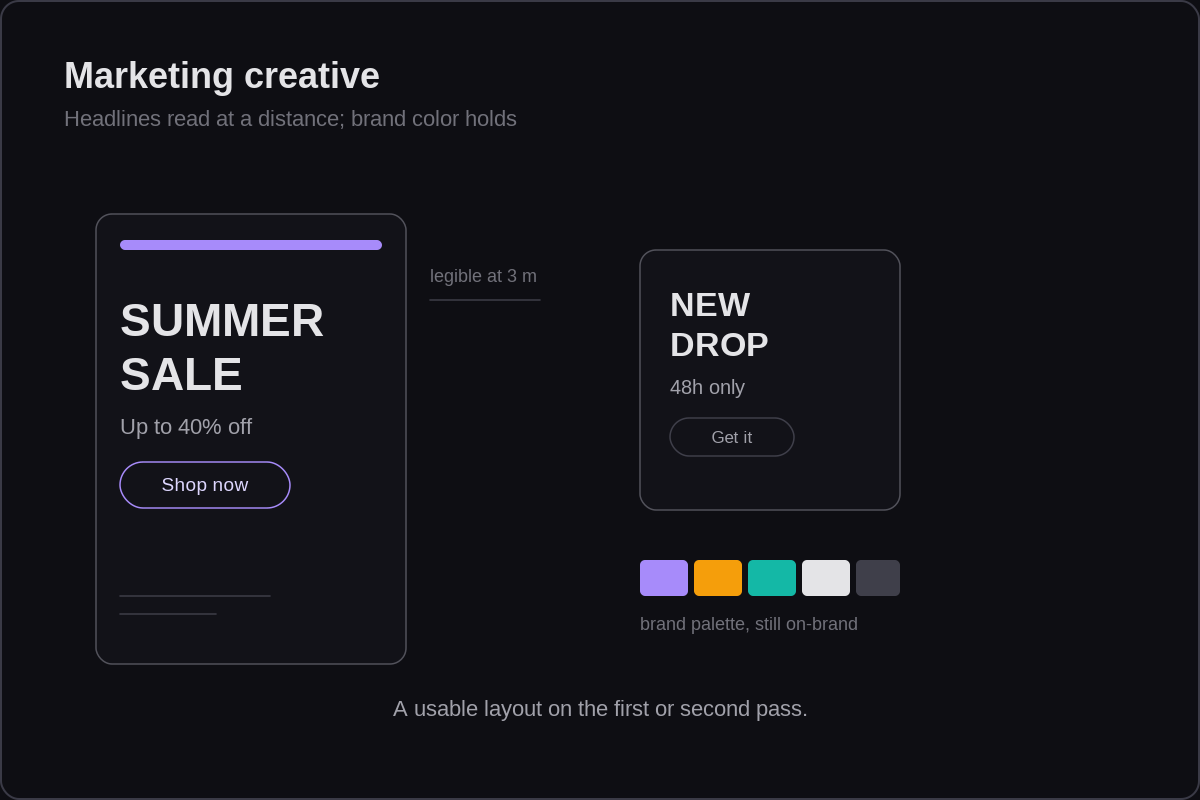
Posters, social ads, and out-of-home concepts depend on copy that reads at a distance. GPT Image 2 keeps headlines legible, holds brand colors without an amber cast, and returns a usable layout on the first or second pass instead of a mood board that needs rebuilding.
E-commerce Catalogs
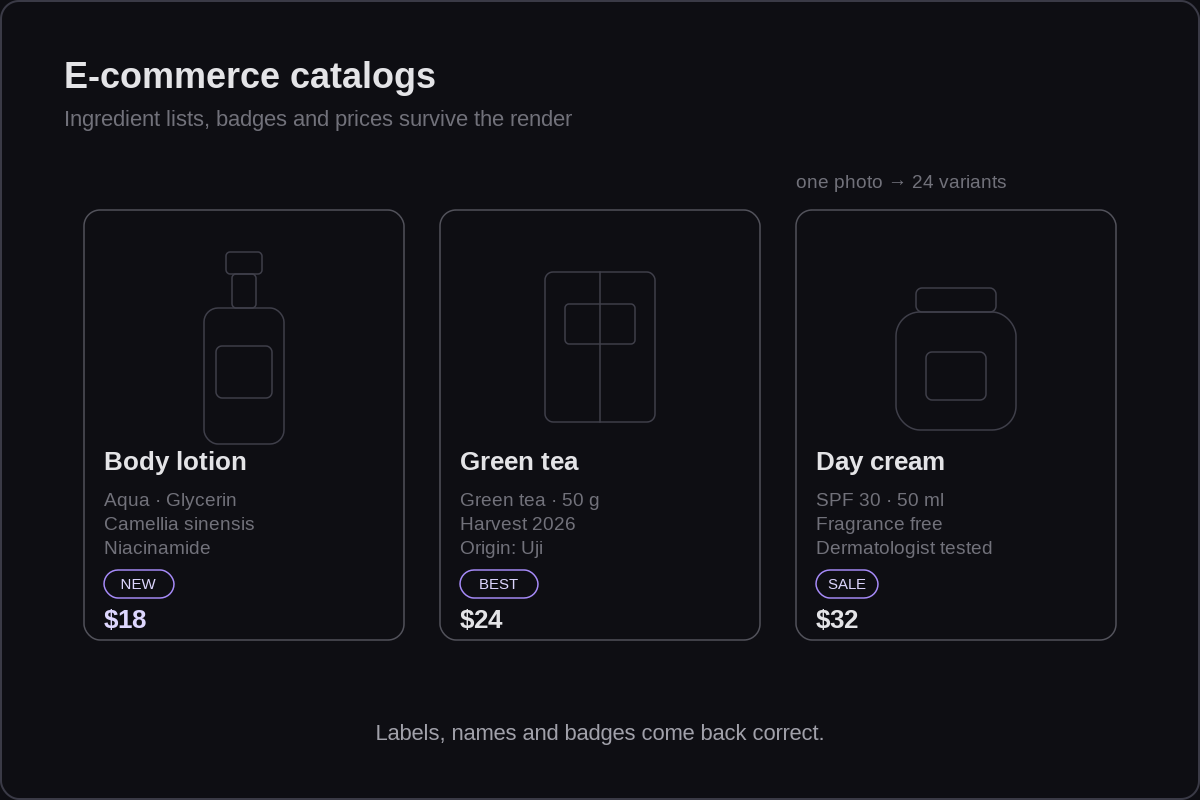
Catalog work rewards consistency. The model renders ingredient lists, product names, and badges with enough fidelity that a designer no longer corrects every label by hand, and the edit endpoint turns one source photo into dozens of contextual variants.
Interface and Design Mockups
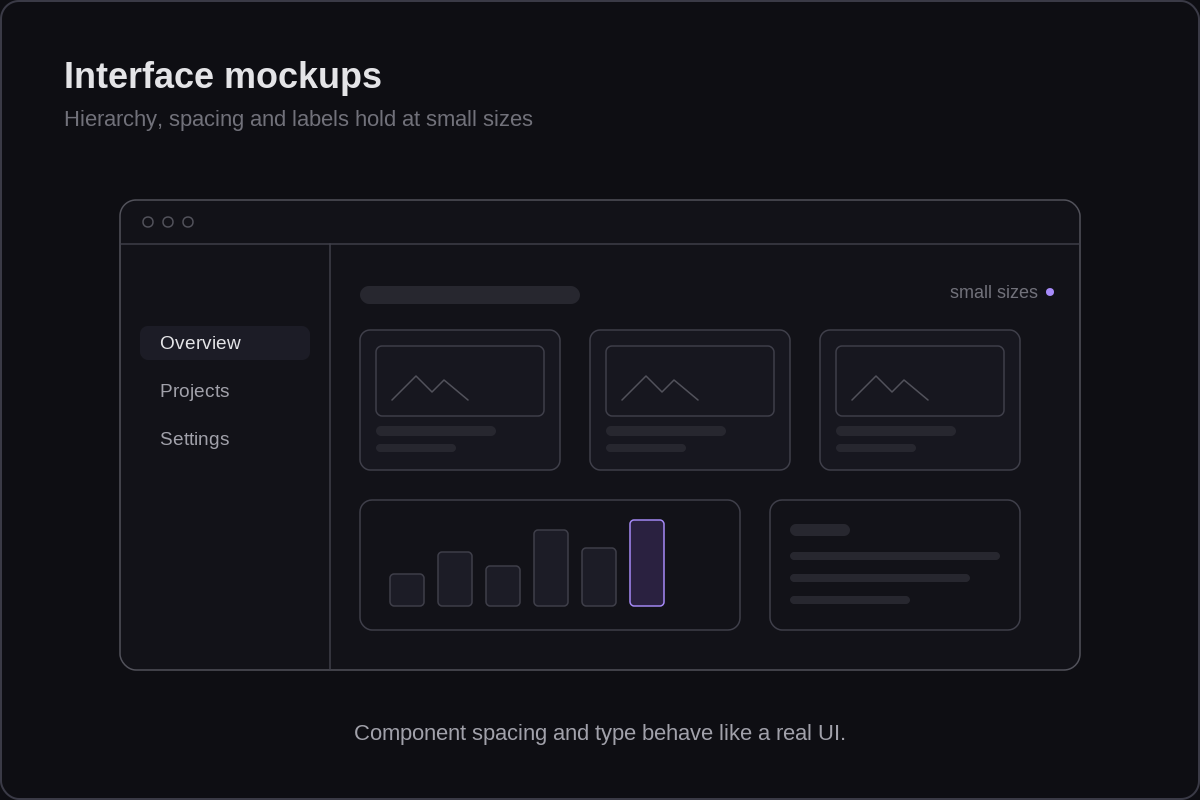
GPT Image 2 understands hierarchy and legibility at small sizes. Component spacing reads correctly, navigation labels stay sharp, and typography behaves the way it does in shipped software rather than in a stylized illustration.
Localization and Education
Explaining a concept visually is easier when the text is correct. The model produces infographics, diagrams, and classroom material in scripts that used to break, and its world knowledge fills in period detail from a short prompt.
GPT Image 2 Technical Specifications
The published limits below come from the OpenAI model page and image generation guide.
Input and Output Modalities
GPT Image 2 takes text and images as input and returns images only. Audio and video are not supported, and neither is text output, which keeps the model focused on generation and editing.
Size Constraints
The model caps the longest edge at 3840 pixels, requires both edges to be multiples of 16, limits the long-to-short ratio to 3:1, and accepts totals between 655,360 and 8,294,400 pixels.
Quality Options
GPT Image 2 offers low, medium, high, and auto. Auto is the default and picks a tier from the prompt, which is convenient for experiments and risky for budgets that need a fixed cost.
Token Pricing
The model bills $8 per million image input tokens, $2 per million cached image input tokens, and $30 per million image output tokens. Text tokens are $5 per million, $1.25 cached, and $10 per million output.
Per-Image Cost
At 1024x1024, a low-quality GPT Image 2 image costs $0.006, medium costs $0.053, and high costs $0.211. A 1536x1024 high-quality output lands at $0.165, so resolution and tier interact in ways worth measuring before a large run.
Rate Limits
Requests are metered in images per minute: 20 on Build, 150 on Launch, and 250 on Grow. Image models are throttled far tighter than text models, so batch queues matter more than raw concurrency.
Knowledge Cutoff
GPT Image 2 has a knowledge cutoff of December 2025. Anything launched after that date needs a reference image or a web lookup, or the model will render an outdated version of the product.
Transparent Backgrounds
GPT Image 2 can return a transparent background, though OpenAI still labels it a preview for this snapshot. Ask for it by setting the background parameter to transparent, then save as PNG or WebP, since JPEG has no alpha channel.
GPT Image 2 vs the Models Around It
The April model sat between two generations: the diffusion-era models it replaced and the faster successors that followed.
GPT Image 2 vs GPT Image 1.5
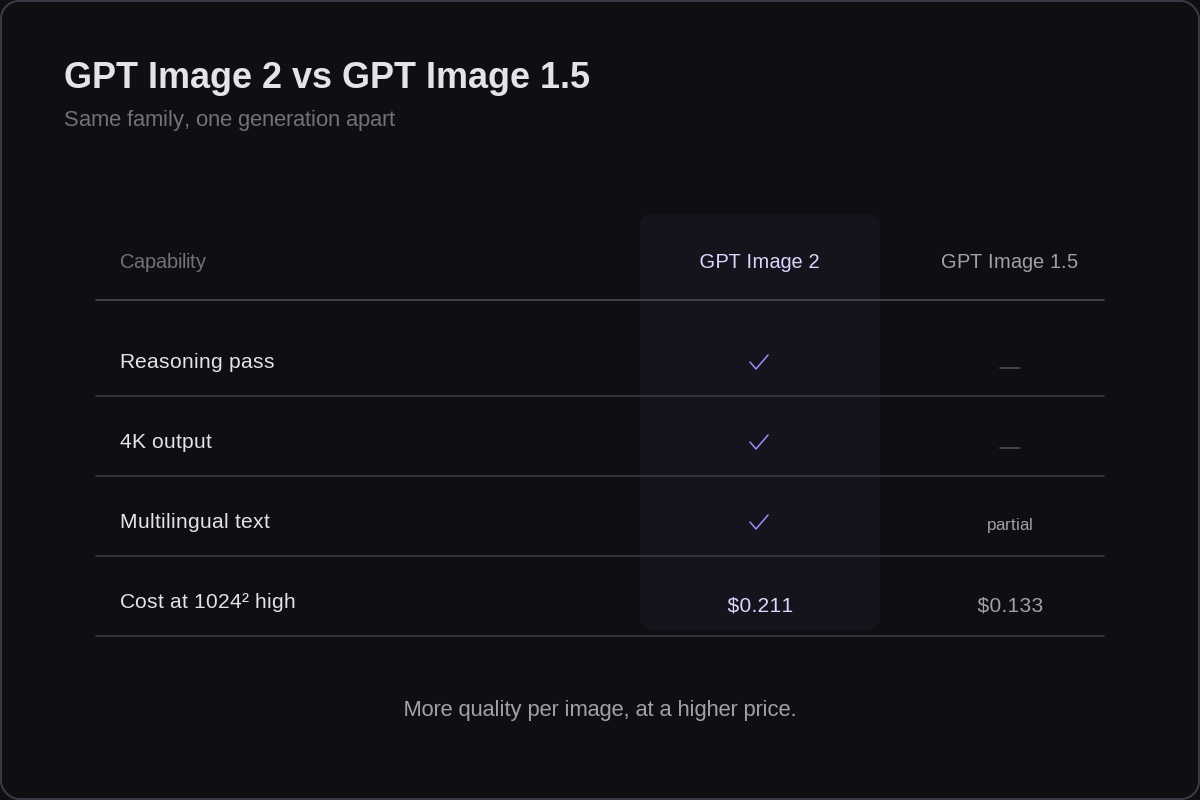
The earlier model made text rendering respectable. GPT Image 2 went further with reasoning, neutral color, 4K dimensions, and multilingual scripts. On a 1024x1024 high-quality job it runs $0.211 against $0.133 for GPT Image 1.5, so the upgrade is about quality rather than price.
The April Model vs Versions 2.5 and 2.6
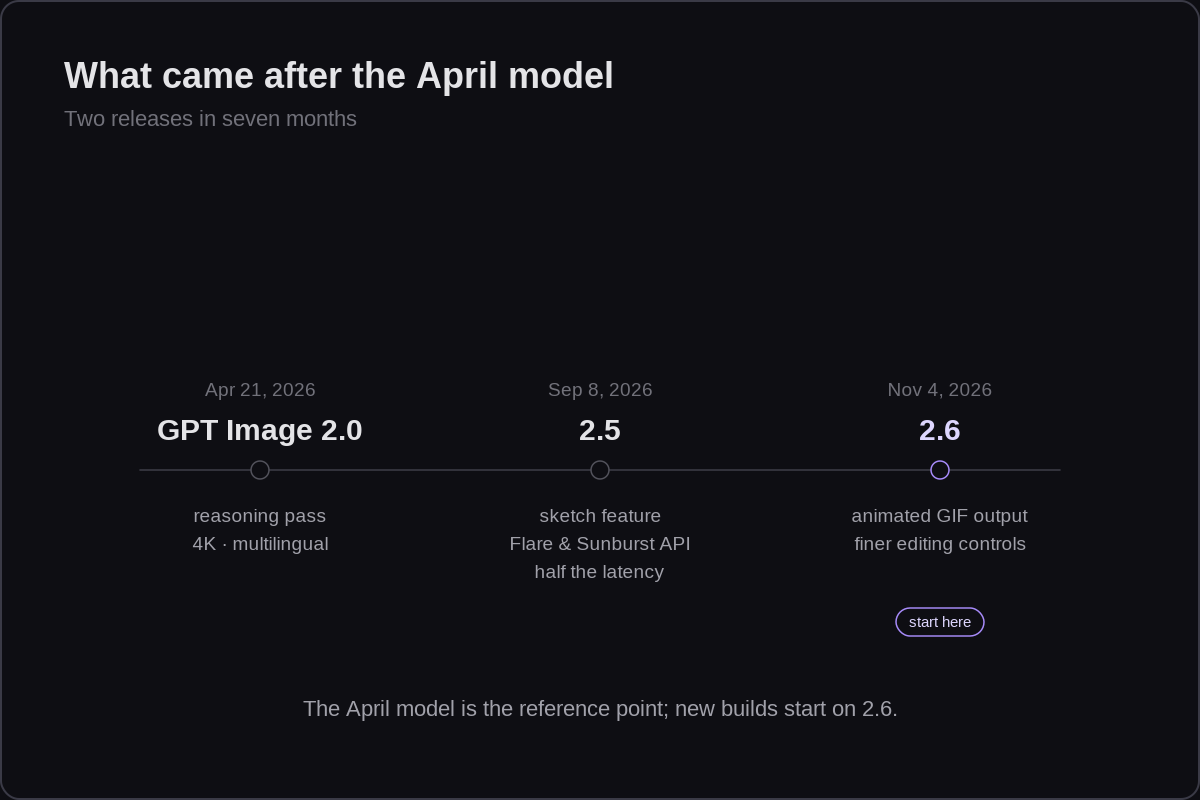
OpenAI released GPT Image 2.5 on September 8, 2026, adding a sketch feature, splitting the API into Flare and Sunburst, and halving latency. Version 2.6 arrived on November 4, 2026 with animated GIF output and finer editing controls. The April model remains the reference point for cost and behaviour, but new builds should start on 2.6.
Frequently Asked Questions About GPT Image 2
Short answers to the questions people ask most often about GPT Image 2.
Start Building With GPT Image 2
Generate a first frame at low quality, compare it against a high-quality render, and decide from the images rather than the benchmark. That comparison costs pennies.